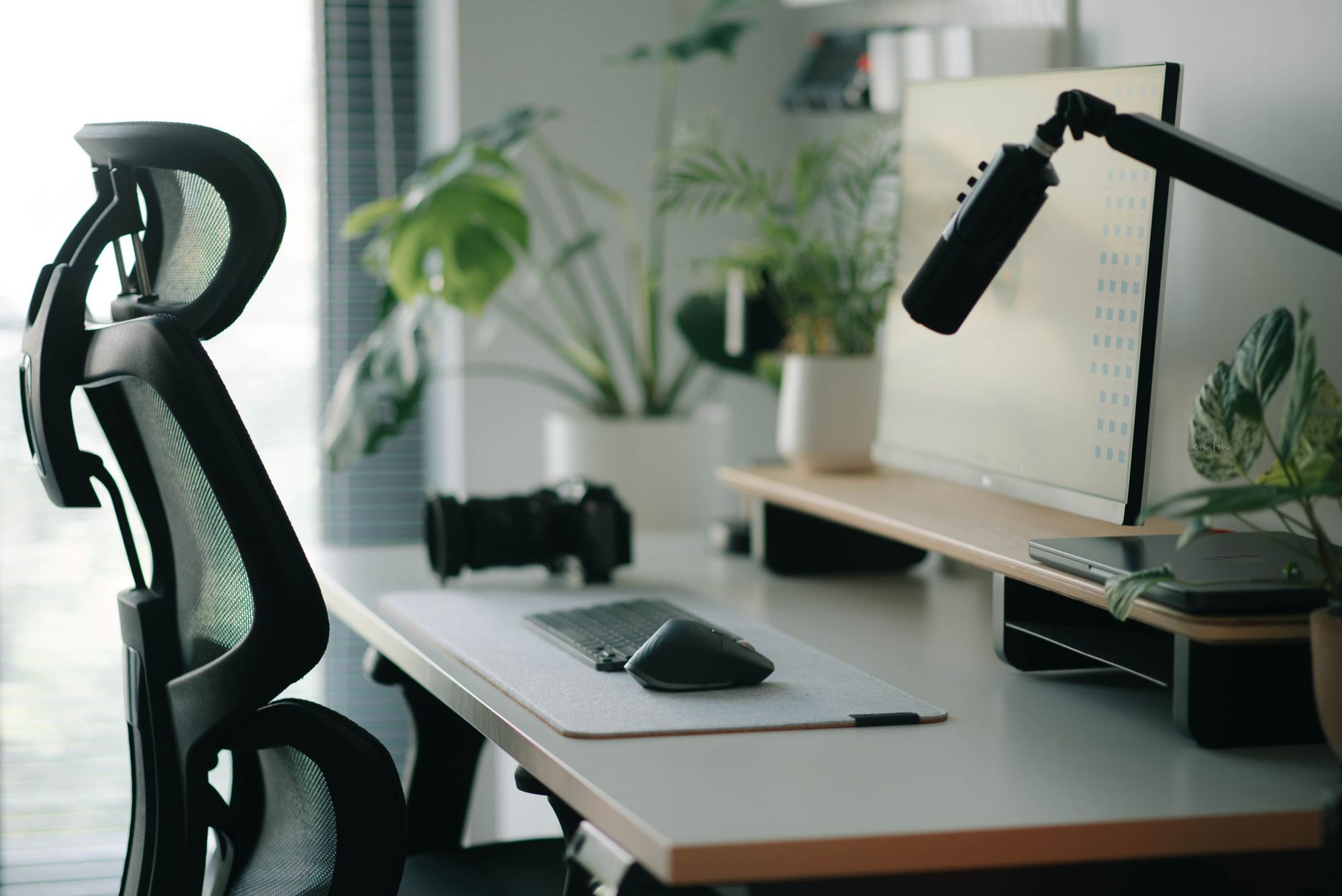
A well-organized workspace supports your body throughout the workday. Many people experience discomfort because their furniture does not fit their physical needs. Adjusting your chair and screen height creates a neutral posture. This position reduces strain on your neck, shoulders, and lower back. You can improve your daily comfort by following a few simple steps.
Adjusting Your Office Chair
Start with your chair to build a solid foundation. Sit all the way back in the seat. Your feet should rest flat on the floor. If your feet dangle, use a footrest to provide support. Your knees should sit at a ninety-degree angle. Ensure there is a small gap between the edge of the seat and the back of your knees. This space prevents pressure on your legs and helps blood circulation.
Next, adjust the lumbar support. This feature should fit the natural curve of your lower back. If your chair lacks adjustable lumbar support, use a small cushion or a rolled towel. This addition helps maintain the spine's natural shape. Set the armrests so your shoulders remain relaxed. Your elbows should rest near your sides at a ninety-degree angle. Avoid shrugging your shoulders while you type or use the mouse.
Positioning Your Screen Correctly
The placement of your monitor affects your head and neck position. Place the screen directly in front of you. You should not have to twist your neck to view the display. The top of the screen should sit at or slightly below eye level. This height encourages you to look straight ahead rather than down. If you use a laptop, consider using a separate keyboard and mouse. This allows you to elevate the laptop screen to the proper height.
Distance also matters for visual comfort. Place the monitor about an arm's length away from your face. You should be able to read the text without leaning forward. If the text appears too small, increase the font size in your settings. Avoid placing the screen near a bright window. Glare on the screen forces you to squint or lean into awkward positions. Use curtains or blinds to manage incoming light. If you use two monitors, place the primary screen directly in front of you. Position the second screen to the side at a slight angle.
Maintaining Good Habits
Equipment adjustments provide the framework for comfort, but movement remains essential. Even with a perfect setup, staying in one position for hours causes stiffness. Change your posture frequently throughout the day. Stand up and stretch every thirty to sixty minutes. These short breaks allow your muscles to recover from static tension. Walk around the room or perform simple neck rolls to release tightness.
Pay attention to your keyboard and mouse placement. Keep these devices close to your body. You should not have to reach forward to type. Keep your wrists in a neutral, straight position while typing. Avoid resting your wrists on hard edges. If you use a wrist rest, use it only during breaks from typing. Constant pressure on the wrists can cause discomfort over time.
Lighting and desk organization also influence your posture. Keep frequently used items within easy reach. This prevents repetitive reaching or twisting. Ensure your desk surface is clear of clutter. A clean space allows you to position your keyboard and mouse optimally. If you use a document holder, place it between your keyboard and monitor. This keeps your head in a neutral position while you read printed materials.
Listen to your body during the workday. If you feel tension in your shoulders, check your armrest height. If your lower back aches, check your lumbar support. Small, incremental changes often lead to significant improvements in comfort. Consistency is the key to maintaining these habits. Over time, these adjustments will feel natural. A thoughtful workspace setup helps you focus on your tasks without the distraction of physical discomfort. Take the time to refine your environment today for a more comfortable tomorrow.
Related reading
 Practical Ways to Sit Less While Working at a Desk
 Simple Desk Stretches to Relieve Shoulder Stiffness
AI disclosure: this article was automatically drafted with AI assistance and reviewed before publishing. Written with AI assistance: gemini-3.1-flash-lite. It is general information, not professional medical, financial or legal advice.


0 comments:
Post a Comment