Modern life requires constant interaction with digital devices. Many people spend their entire workday staring at monitors. When evening arrives, the habit of checking phones or watching television often continues. This cycle frequently leads to screen fatigue. You might notice dry eyes, blurred vision, or a persistent headache. These symptoms often signal that your visual system needs a break. Managing this fatigue requires intentional changes to your evening routine.
Adjusting Your Digital Environment
The light emitted by screens affects your comfort levels. Most modern devices include settings to reduce blue light exposure. You can activate these features during the evening hours. Lowering the brightness of your display also helps significantly. A screen that glows brighter than the room creates unnecessary contrast. Try to match your screen brightness to the ambient light in your home. Use warm color temperatures to soften the visual output. These small adjustments reduce the strain on your ocular muscles. You should also maintain a proper distance from your monitor. Keep your screen at least an arm's length away from your face. This simple physical adjustment prevents your eyes from working too hard to focus.
Implementing the 20-20-20 Rule
The 20-20-20 rule serves as a reliable tool for eye health. Every twenty minutes, look at something twenty feet away. Hold this gaze for at least twenty seconds. This practice forces your eyes to relax their focus. It also encourages natural blinking. Blinking keeps the surface of your eyes moist and clear. Many people forget to blink while focusing on digital content. This leads to the gritty sensation often associated with screen use. Set a recurring timer on your phone to remind you of this habit. Consistency is the key to seeing results. Over time, this becomes a natural part of your digital workflow. Your eyes will feel less tired by the end of the day.
Creating Analog Evening Rituals
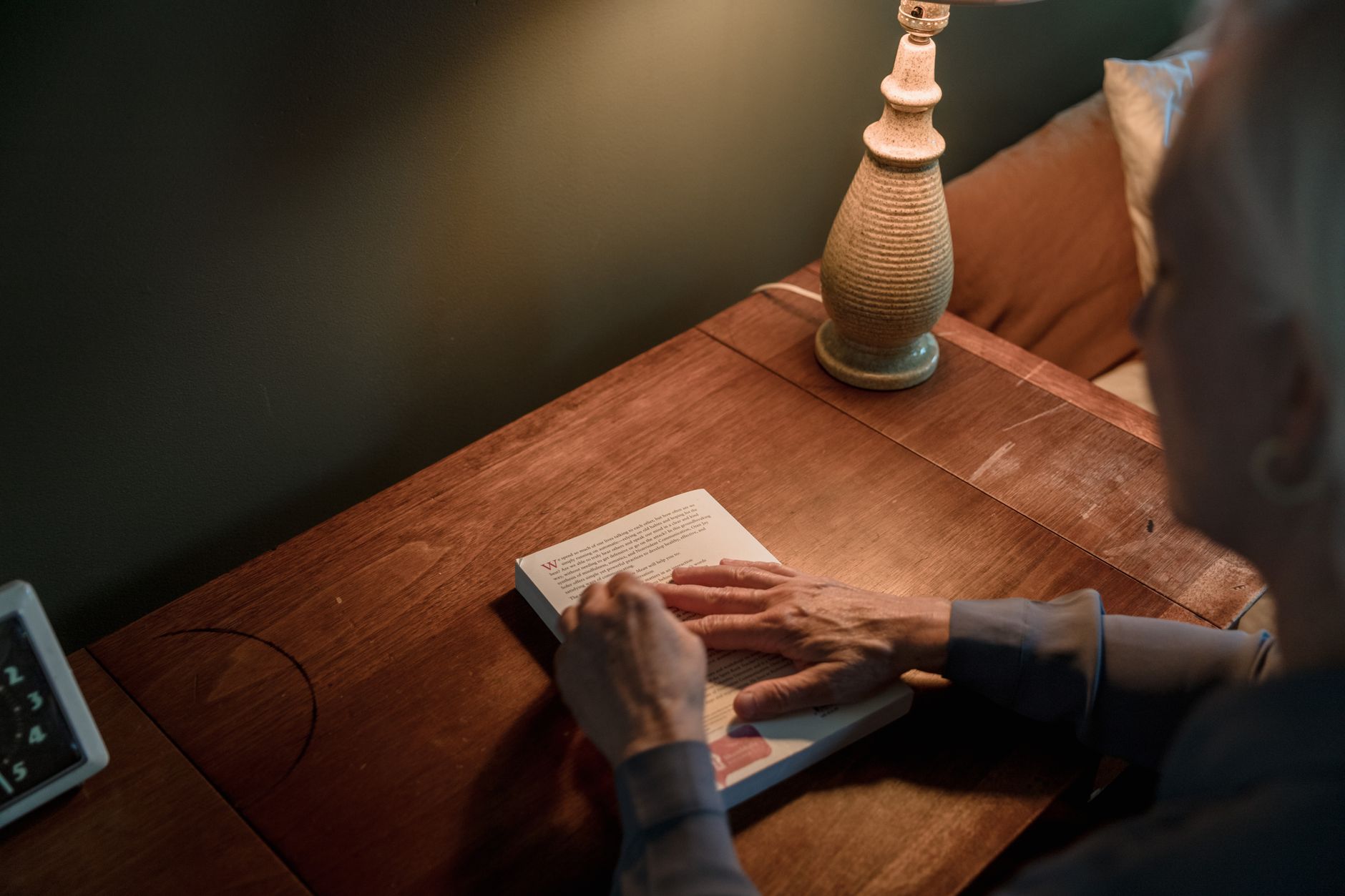
The most effective way to combat screen fatigue is to disconnect entirely. Designate a specific time each evening to turn off all devices. Replace digital consumption with analog activities. Reading a physical book provides a different type of visual stimulation. It allows your eyes to track lines of text without the flicker of a backlight. Engaging in hobbies like drawing, cooking, or playing an instrument also helps. These activities shift your focus away from pixels. They provide a mental reset after a long day of digital labor. If you must use a screen, try to limit your activity to low-intensity tasks. Avoid complex spreadsheets or fast-paced games in the final hour before bed. Choose content that is easy on the eyes and the mind. This transition period prepares your brain for rest.
Optimizing Your Physical Workspace
Your physical surroundings influence how your eyes process light. Avoid using screens in a completely dark room. The high contrast between the screen and the dark environment causes rapid fatigue. Use a soft lamp to illuminate the area behind your monitor. This indirect lighting reduces the harshness of the screen glow. Ensure that your posture remains upright and comfortable. Slouching often leads to neck tension, which can exacerbate eye strain. Keep your screen at eye level to prevent downward tilting. If you wear glasses, ensure your prescription is up to date. Small vision changes can make screen work feel much harder than it should be. Consult with an eye care professional if you experience persistent discomfort. They can provide specific advice based on your individual needs. By combining these environmental changes with better habits, you can protect your vision. You will likely find that your evenings feel more restful and productive. Focus on small, sustainable changes rather than drastic shifts. Your eyes will benefit from the extra care you provide each day.
Related reading
 Practical Strategies for Returning to Sleep at Night
 Calm Evenings: Screen-Free Ways to Unwind After Dark
AI disclosure: this article was automatically drafted with AI assistance and reviewed before publishing. Written with AI assistance: gemini-3.1-flash-lite. It is general information, not professional medical, financial or legal advice.


0 comments:
Post a Comment